Dashboard
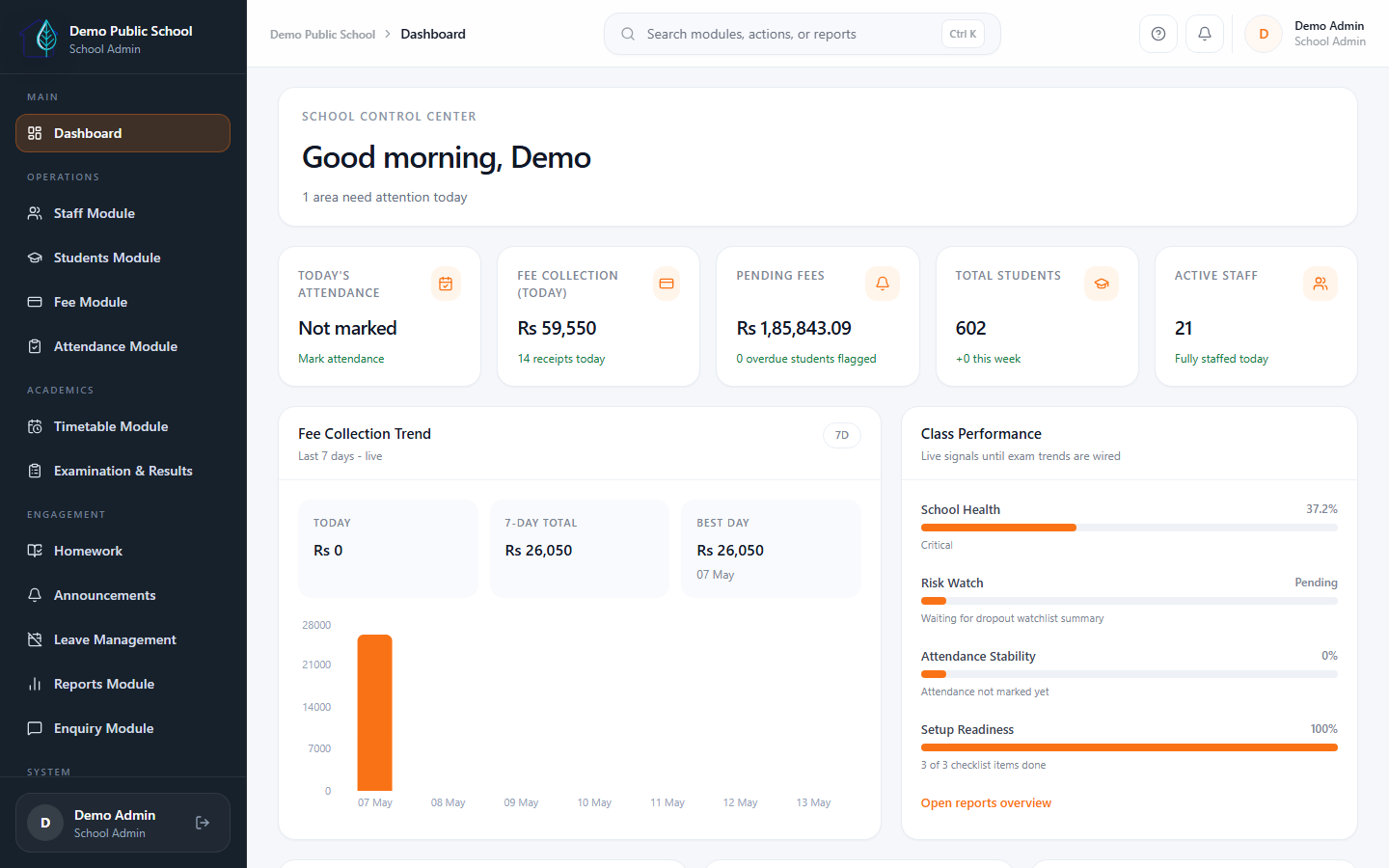
The main command center for daily school operations, with one clear view of fees, attendance, staff, and action items.
- Daily visibility for principals and admins
- Quick actions for the office team
- Clearer daily view for school leadership
AI-assisted School ERP with WhatsApp inbox, OTP/PIN login, guided onboarding, fee management, attendance, exams, reports, parent portal, and mobile access for Indian private schools.
See Eduforge in action
A quick overview of how Eduforge helps schools manage daily operations, fees, attendance, academics, and parent communication from one simple system.
Why schools switch
Before Eduforge
With Eduforge
Available now
Start with the workflows your school uses every day, then expand module by module as your team becomes comfortable.

The main command center for daily school operations, with one clear view of fees, attendance, staff, and action items.

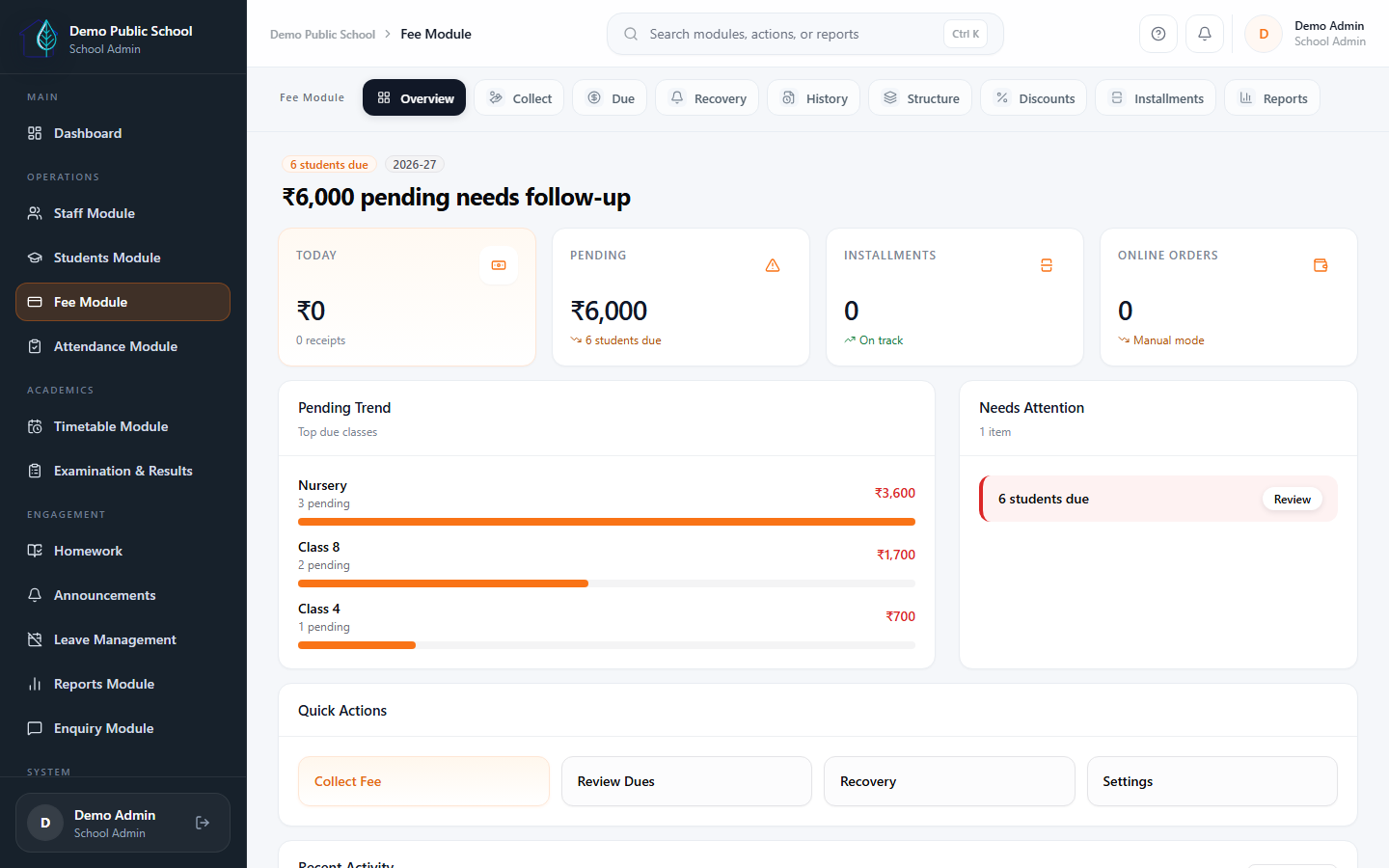
Track collections, dues, and fee activity without scattered registers or manual summary work.

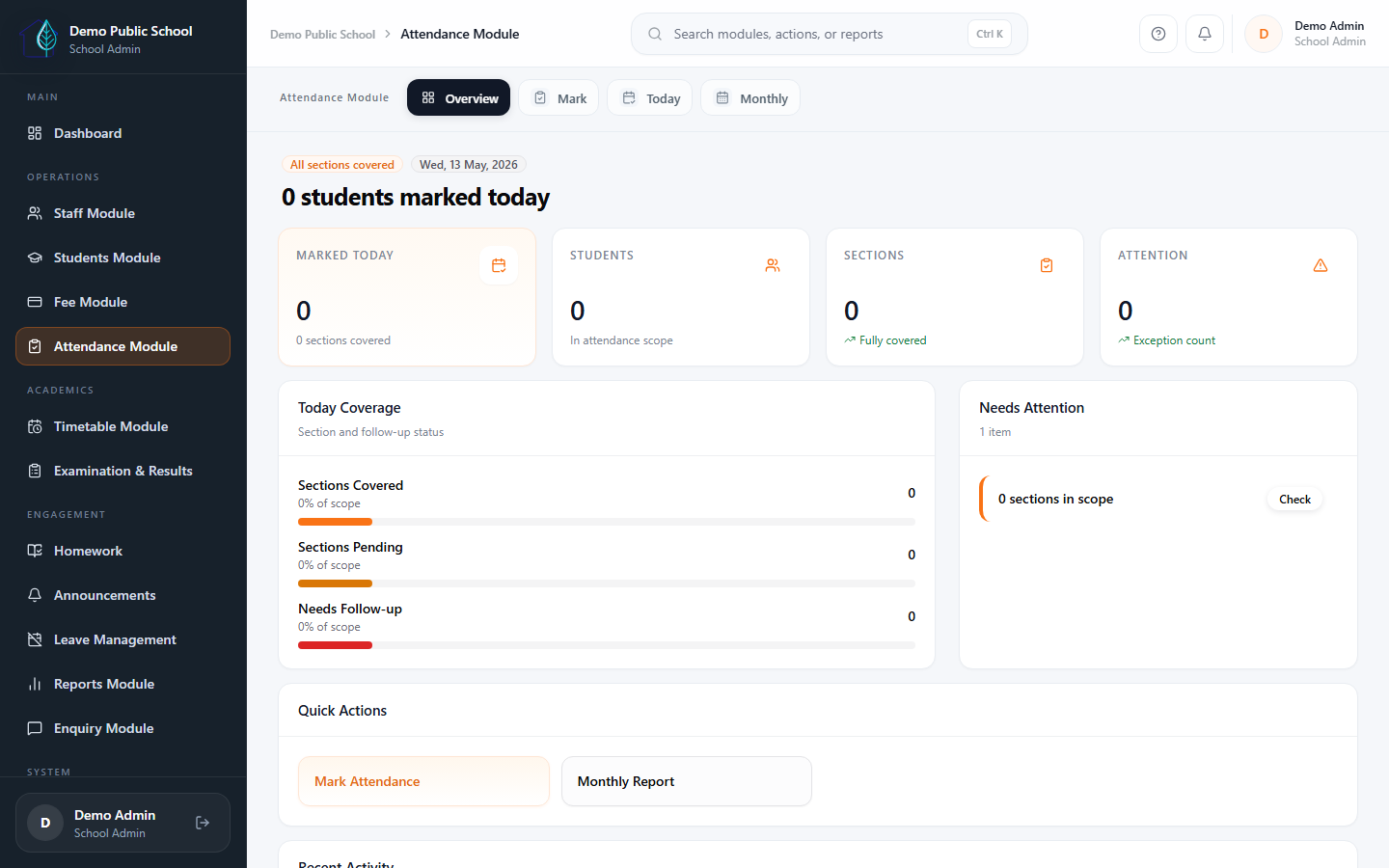
Daily attendance tracking that is faster, clearer, and easier to follow up on.

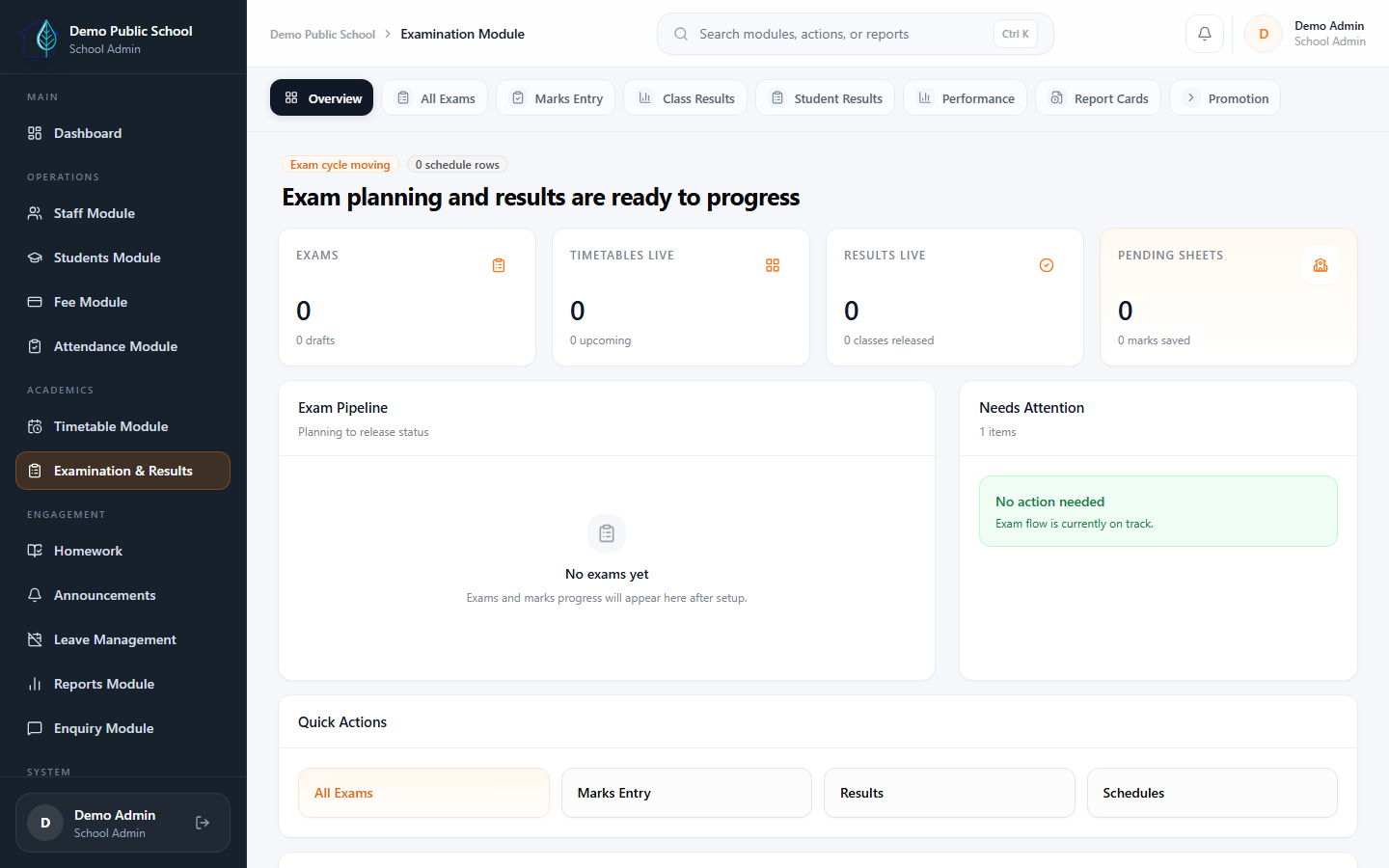
Exam scheduling, marks, result release, promotion, and report cards can be enabled based on your school's rollout scope and requirements.

AI Assistant, smart import mapping, fee risk, dropout risk, and attendance anomaly signals help teams review work faster without unsafe automation.

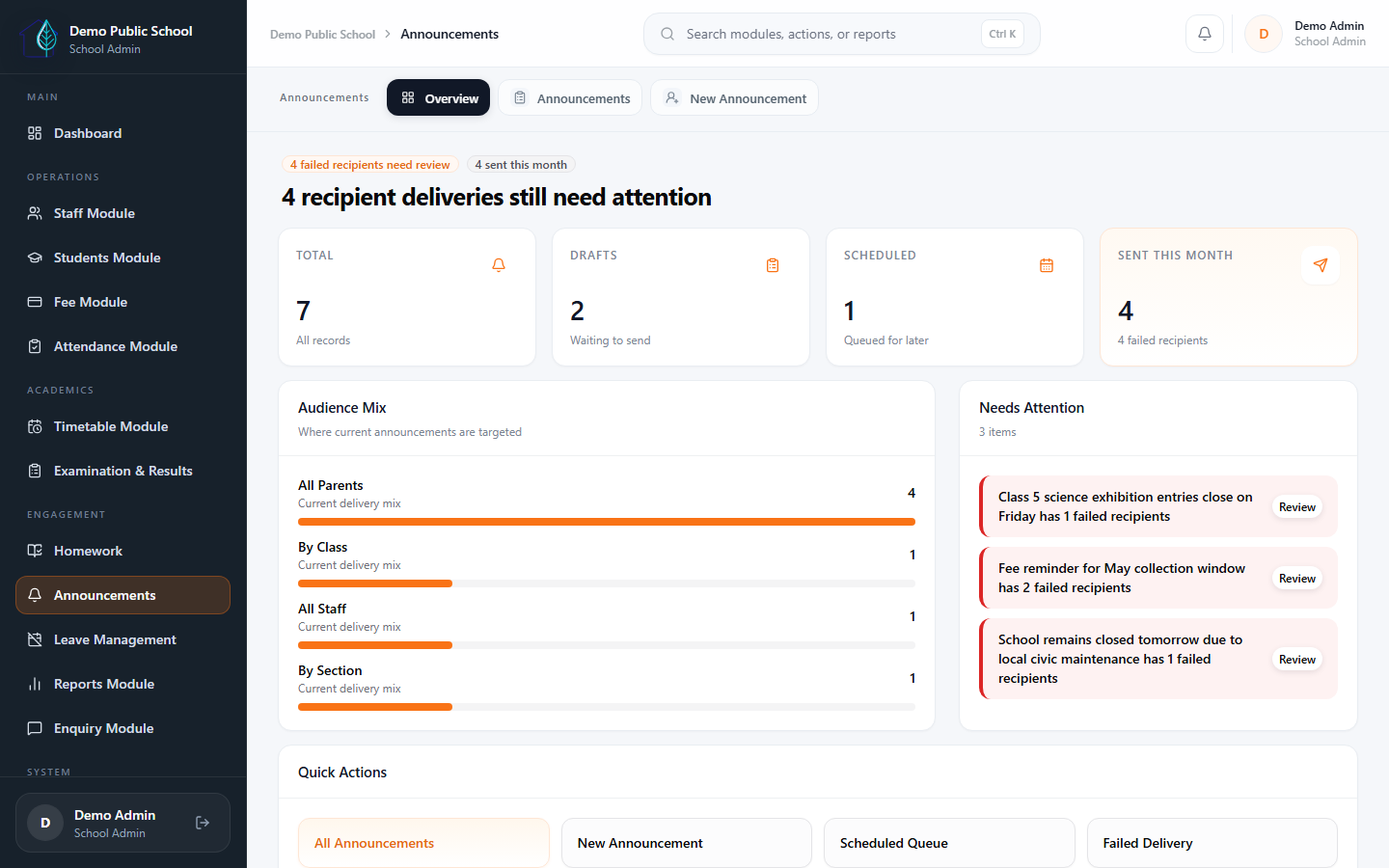
WhatsApp inbox, templates, parent communication, fee reminders, homework and announcement notifications, email logs, and notification settings.

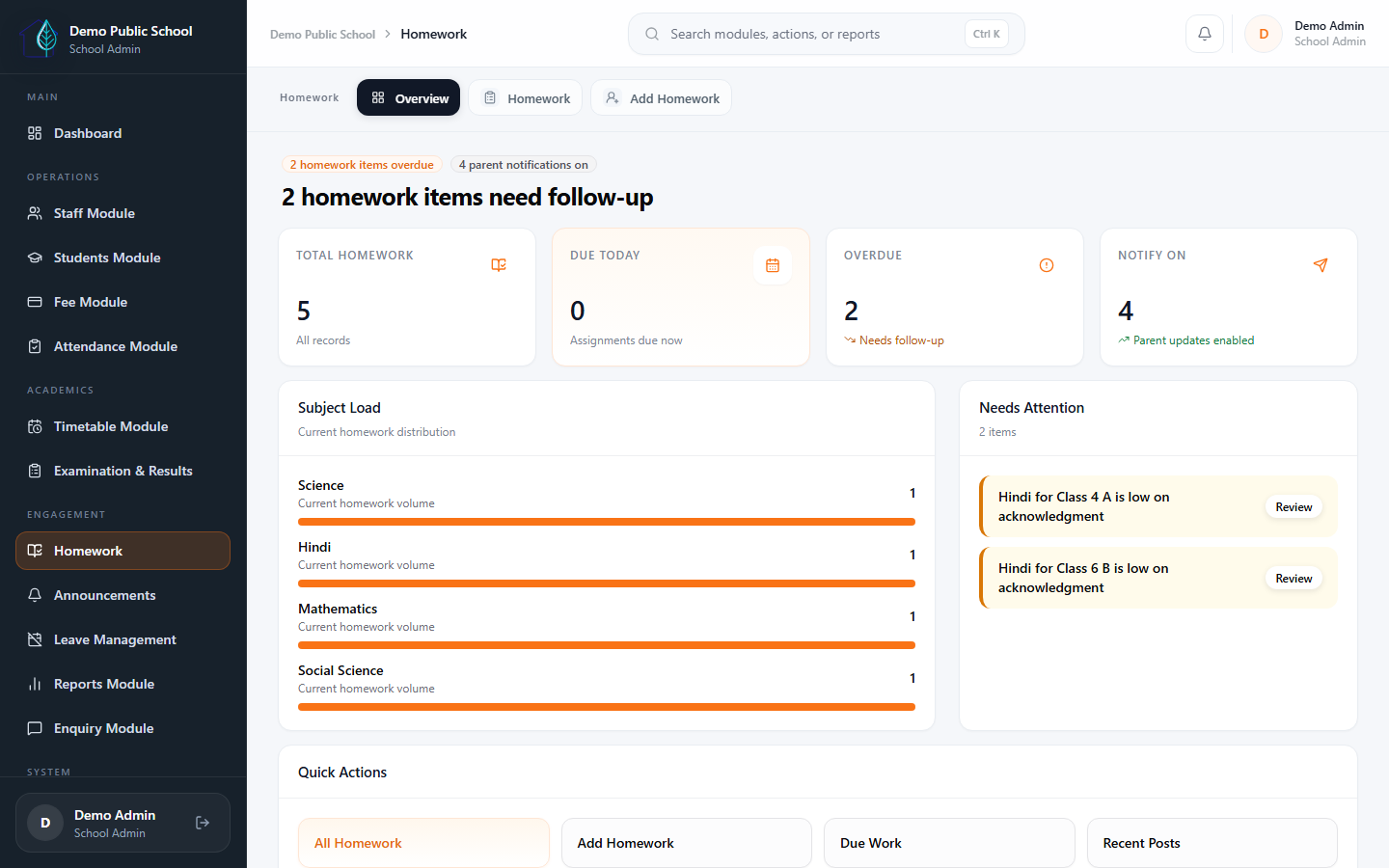
Homework, attachments, parent acknowledgement, syllabus progress, exam schedules, marks, and report cards support classroom engagement.
Swipe on mobile or use arrows to move through the core product story.
Module status
Eduforge focuses on daily school operations first. Start with core workflows and expand module by module as your team becomes comfortable.
Student records, staff management, fee collection, attendance, admissions, reports, and role-based dashboards are the core of the daily school workflow.
AI Assistant, smart import mapping, fee risk, dropout risk, and attendance anomaly insights are available with role-based access and school-level controls.
WhatsApp inbox, templates, fee reminders, homework notifications, announcements, email logs, and notification settings are available with provider setup.
Exam workflows, marks, report cards, homework, and parent-facing features are available and enabled based on your school's plan, rollout scope, and requirements.
Transport, HR, payroll, and broader communication setup are available for schools that need deeper operational coverage beyond the core workflows.
Schools can begin with the workflows they need most — fees, attendance, records — and add more modules after the team is comfortable and ready.
Why schools choose it
The strongest value is not feature count. It is cleaner administration, faster visibility, and a rollout schools can trust.
School owners and principals can see fees, attendance, staff activity, and admin readiness without chasing multiple people for updates.
The admin team handles admissions, fee work, records, and follow-ups from one connected system instead of juggling registers, Excel, and WhatsApp notes.
Teachers and staff use a cleaner routine for attendance and timetable-related work without needing heavy training or too many screens.
Schools go live with confidence when setup, data migration, and rollout are handled in guided steps — not left to figure out alone.
AI-assisted operations
Eduforge uses AI to assist, explain, map, and highlight risks. Critical records still need the correct user permissions and safe workflow confirmation.
AI Assistant works within school access rules and should be used as a helper for summaries, guidance, and safe workflow support.
Smart import support helps schools map existing sheets during onboarding so data migration feels less manual and more guided.
Fee risk, dropout risk, attendance insights, dashboard insights, and performance analytics help school leaders spot follow-up areas faster.
AI features can be controlled at school level. AI is assistive and cannot automatically change payments, attendance, marks, permissions, or other critical records.
Data and security
Your school data stays within your account. Role-based access, school-wise data separation, and guided onboarding are built into every rollout.
Admins, teachers, accountants, reception, and parents work in the views relevant to their role, which helps keep daily operations clearer and easier to manage.
Each school works in its own environment, which is an important trust requirement for any school evaluating shared software.
Schools can use role-based access with password login and optional OTP/PIN login flows where enabled. HTTPS-ready deployment keeps day-to-day access on a safer baseline.
Public enquiries use validation and spam protection, while backups and data retention can be planned according to the school's selected rollout and support plan.
How rollout works
Eduforge does not force every module on day one. Schools can start with core workflows and expand after the team is comfortable.
Guided rollout
We help schools set up, import data, train staff, and go live step by step — so your team is not left to figure things out alone.
Mobile access
Schools can use Eduforge from office desktops, Android devices, and mobile browsers. Access depends on the user's role and the modules enabled for the school.
What parents can do
View fees, attendance, homework, and school notices from their phone.
Access published results, report cards, and school updates when enabled.
Use Android app access where enabled, or continue through the mobile browser/PWA fallback.
What staff can do
Teachers can mark attendance and manage homework from mobile.
Admins can review daily operations without being at a desk.
Android and mobile browser access are based on the modules enabled for the school.
Annual plans
Plans are based on school size and selected modules. Setup, communication charges, and customisation needs are discussed clearly before rollout.
Starter schools
For growing single-campus schools
Best for schools that want to fix fee and admin operations first.
Growth plans
For schools needing more scale and support
Best when the school wants operational discipline plus stronger reporting.
Final pricing may depend on school size, selected modules, communication setup, and customisation needs.
FAQ
Eduforge is an AI-assisted school ERP system built for Indian schools and play schools. It helps manage daily operations like admissions, attendance, fees, exams, report cards, homework, transport, staff, WhatsApp communication, insights, and parent access from one system.
Yes. Eduforge has separate pricing and workflows for play schools, preschools, and growing school chains.
No desktop software is required. Eduforge works through the web ERP and also supports Android app access and mobile/PWA browser access based on the user role, school rollout, and enabled modules.
Yes. Android app access is available for supported rollouts. Schools can also use mobile/PWA browser access. iOS app availability or Play Store publishing should be confirmed during the demo and rollout discussion.
Yes. Parent access can be enabled based on the selected plan or modules. Parents can view relevant updates, homework, fee-related information, and school communication where enabled.
Modules depend on the selected plan. Eduforge can include student management, staff management, admission and enquiry, attendance, fee management, reports, timetable, exams, marks, report cards, homework, announcements, WhatsApp inbox, AI assistant, transport, certificates, parent portal, HR and payroll, online payment, and more.
Yes. Eduforge includes AI-assisted workflows and communication tools such as AI Assistant, smart import support, fee-risk and dropout-risk style insights, WhatsApp settings, templates, and WhatsApp inbox workflows. AI is assistive, follows permissions, and cannot automatically change critical records.
Yes. Schools can start with a suitable plan and upgrade later as their requirements grow.
Remote onboarding is included with annual plans. Basic data import using the provided template can be included. Complex data cleanup, custom Excel import, custom report card formats, on-site training, and custom workflows may be charged separately.
No. The WhatsApp or SMS communication module can be enabled, but actual provider and message charges are billed separately based on usage.
No. Online payment module access can be enabled, but payment gateway charges, settlement charges, and transaction fees are borne by the school or payment provider.
Eduforge uses role-based access, school-wise data separation, secure login, optional OTP/PIN login flows where enabled, server-side validation, and form spam protection. Security also depends on proper hosting, SSL, backups, and correct production configuration.
No. Eduforge is designed with school-wise data separation so each school can access only its own data according to assigned roles and permissions.
Support is available through WhatsApp, email, and phone during business hours, 9 AM to 5 PM.
Some customizations can be discussed based on the requirement. Custom reports, custom report card formats, white-label setup, hardware integration, and custom modules may be charged separately.
Yes. You can book a free demo to see how Eduforge works with sample school data and understand which plan fits your school.

Ready to see Eduforge?
Book a 30-minute demo and see how Eduforge can support your school's daily operations — fees, attendance, records, reports, and parent communication.
Best for schools evaluating practical rollout, not just feature lists.